
SELL COUNTER-STRIKE 2 SKINS
YOUR SKINS
YOUR CASH
Sell your CS2 skins without looking for a buyer. See the price first, then decide.
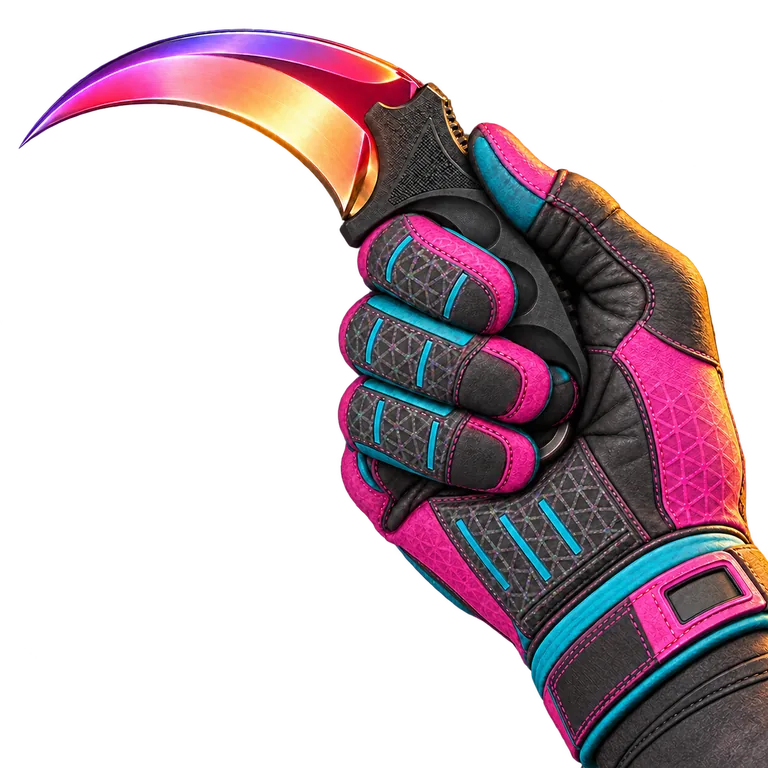
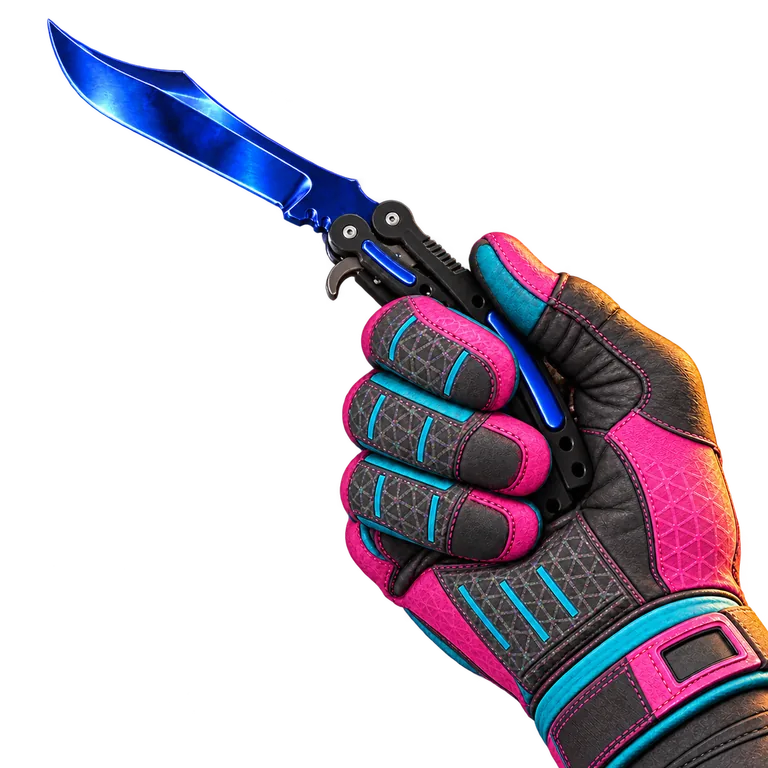
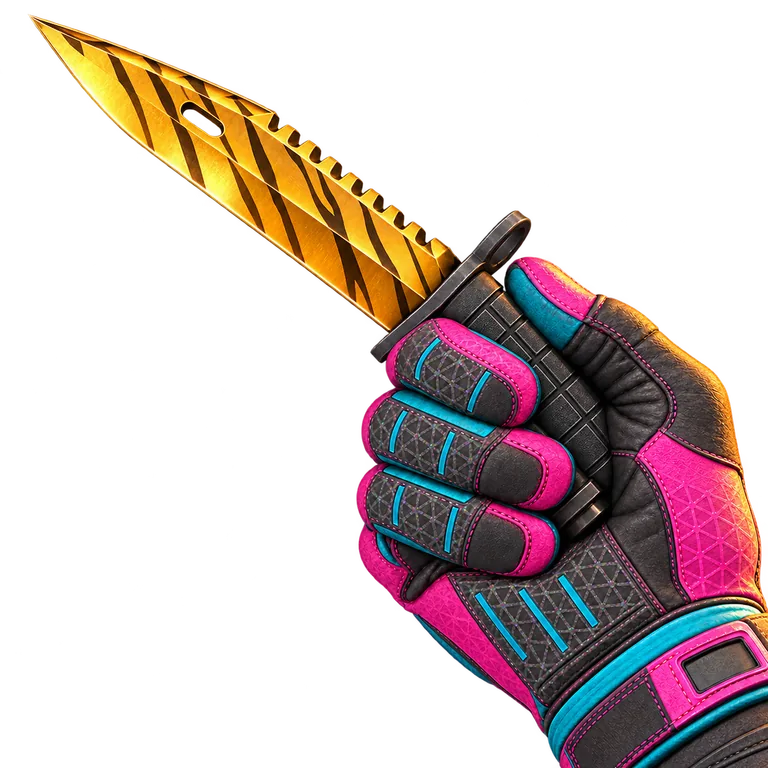
Example sales
Sample data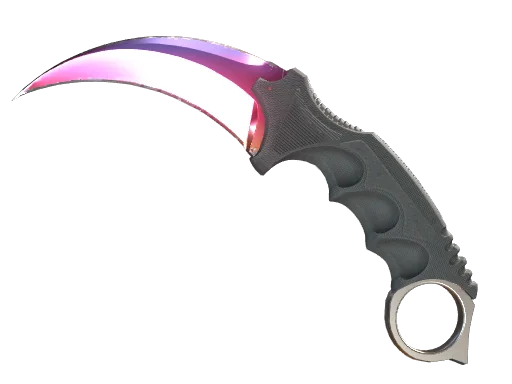
Example amount: 1,240.00 USD
Payout method:
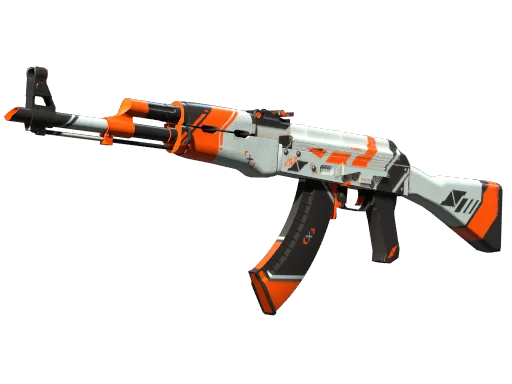
Example amount: 28.50 USD
Payout method:
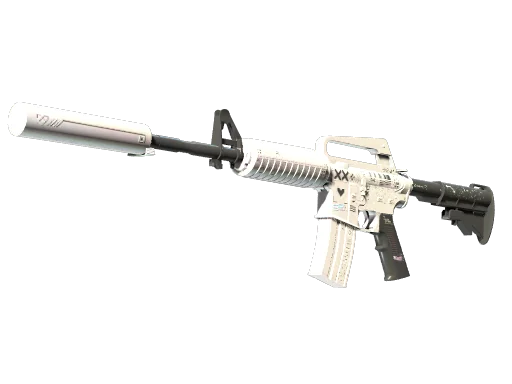
Example amount: 120.00 USD
Payout method:

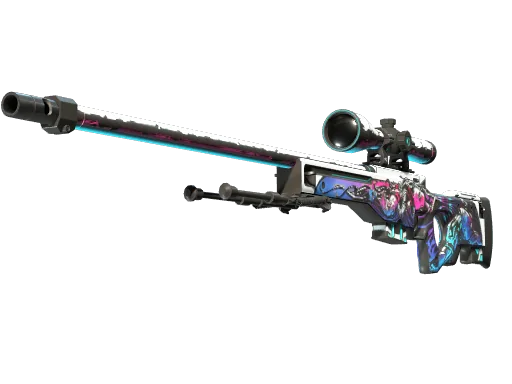
Example amount: 28.00 USD
Payout method: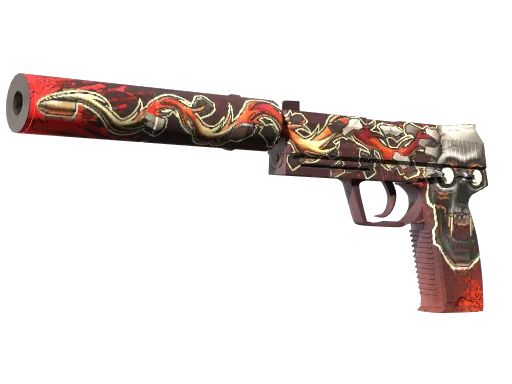
Example amount: 44.00 USD
Payout method: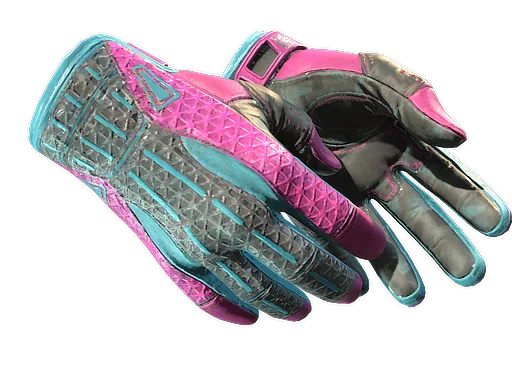
Example amount: 275.00 USD
Payout method: BTC
BTC
Payout methods
Choose where you want the money for your skins to go. Once your funds are available, you can request a payout from your account.
- Bank transfer
Crypto
- BTC
 ETH
ETH LTC
LTC USDT
USDT TRX
TRX
Available methods depend on your country and currency. Check the fees, minimum amount and payout rules before making a request.
How do I sell my skins?
Sign in with Steam
Sign in to the account that holds your skins. You only enter your password on Steam.
Your skins stay in your inventoryChoose your skins
Select the skins with a price and check how much you will get in total.
You can sell just part of your inventoryConfirm the trade
Accept the price, check the items and recipient, then confirm the trade on Steam.
You sell directly to usRequest a payout
Your funds become available no sooner than 7 full days after we confirm receipt of your skins. It takes longer if the trade is still on hold or awaiting final confirmation.
Once your funds are available, choose a method and request a payout from your account.
When can I request a payout?
Before you sell
Answers to your questions about prices, signing in and payouts.
More about selling and payoutsWhen can I start selling my skins?
We start buying skins on . Steam sign-in and skin sales open that day.
You can already check how selling works and which payout methods are available.
How much will I get for my skins?
You will see a price next to each skin we can buy. It depends on the item, its condition and market prices. You can check the total before confirming the sale. More about our prices
When can I request a payout?
No sooner than 7 full days after we confirm receipt of your skins. It takes longer if the trade is still on hold or awaiting final confirmation.
Once your funds are available, you need to request a payout from your account. How long it takes to reach you depends on the payout method. When will I receive my money?
How can I withdraw my money?
Through PayPal, Revolut, a bank transfer, a Visa or Mastercard payout, or crypto. Available methods depend on your country and currency. More about payout methods
Can I sell any skin?
Not every skin. We buy selected CS2 skins that can be traded on Steam. Your inventory will show which ones we can buy. For the others, we will explain why there is no offer.
What happens to my skins when I sign in?
They stay in your inventory. You only send them after separately confirming a trade on Steam. You enter your password only on Steam.
I cannot see my skins. What should I do?
Set your Steam inventory to public. If it is already public, Steam may be temporarily limiting access. Check the message next to your inventory. How do I make my inventory public?
We start buying
From that day, you can check prices and choose which skins to sell.